
Lovense Charger Replacement: Match the Cable to Your Exact Model
A replacement Lovense charger has to match the exact model and generation printed on your device. “Lovense USB charger” is not one universal cable.
 Maya Reeves
Which cable should you select?
The official Lovense charging-cable selector separates these examples into different options:
| Your device | Option to find in the selector |
|---|---|
| Lush 3 or Lush 4 | The multi-model option that explicitly includes both generations |
| Original Lush or Lush 2 | The option listing Lush, Lush 2, Hush, Edge and Osci |
| Solace | The Solace option |
| Domi or Domi 2 | The Domi / Domi 2 option |
| Ambi | The Ambi option |
This is a selection aid, not an exhaustive compatibility list. For another model, find its complete name in the current selector. Do not translate “Hush” into “Hush 2,” or “Osci” into “Osci 3.” If your generation is missing, ask Lovense support before ordering.
A three-minute identification check
- Find the original order email, box or model label. Record the generation number as well as the product name.
- Open the official cable listing and choose the option containing that exact model.
- Before paying, check that the cart retains that selection. Save a screenshot or order description beside your device record.
Our storage checklist can help keep the cable and model information together. A handwritten label on a storage pouch is more useful than relying on the shape of an unmarked connector months later.
Charging checks for Lush 3 and Lush 4
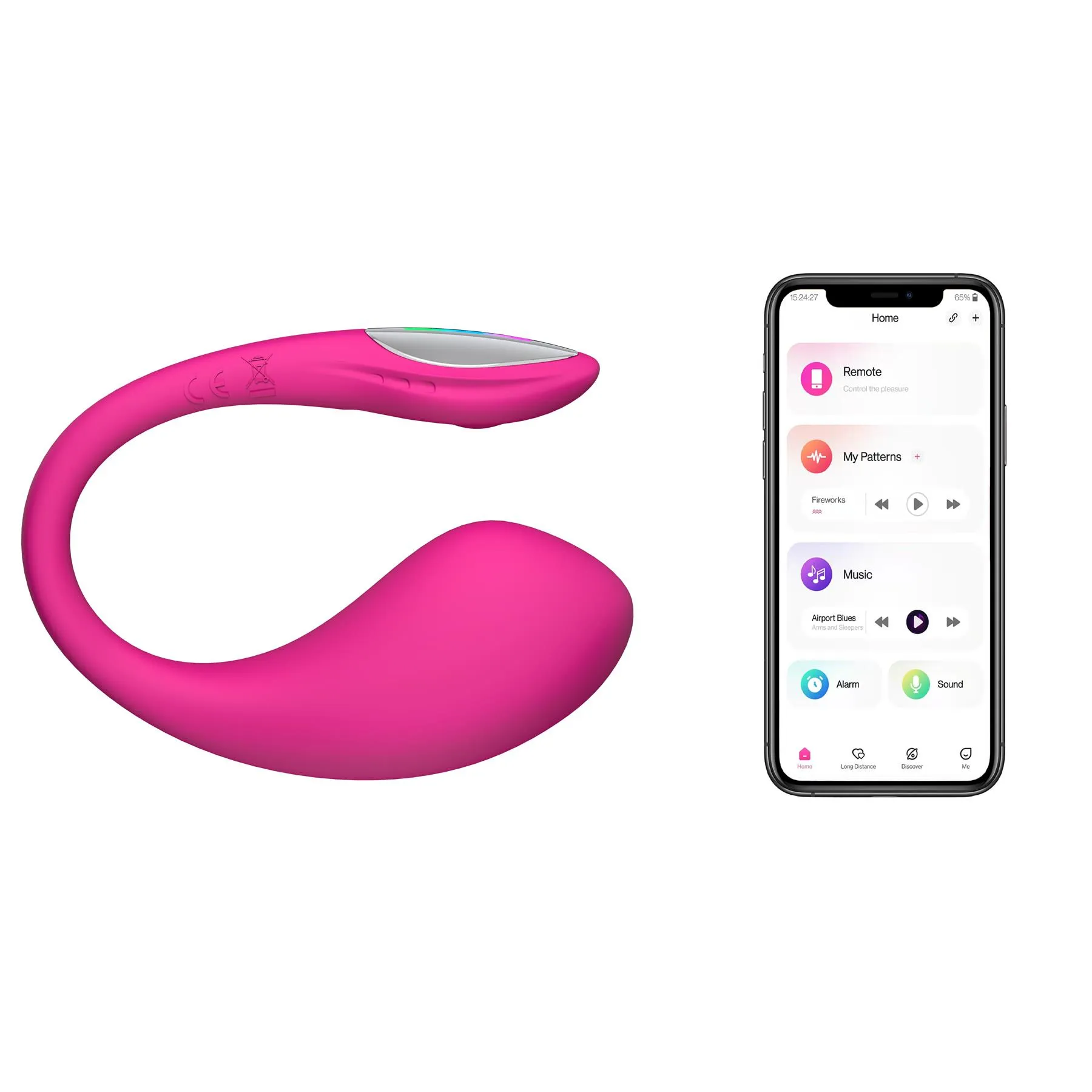
The Lush 3 guide describes magnetic charging and says to rotate the connector 180 degrees if the solid red charging light does not appear. It gives approximately 85 minutes for a full charge. The Lush 4 guide gives approximately 45 minutes. Both describe a red light during charging that turns off when charging finishes, and both say not to use the device while charging.
Use those instructions for the named models only. A magnetic connection by itself does not establish that another device takes the same cable.
If a replacement still does not work
Send support your model name, order details, a photo of the cable and a description of the indicator-light behavior. This gives them enough information to distinguish a cable-selection problem from a device problem. Repeatedly buying lookalike cables adds cost without establishing the cause.
For product information, see our Lush 3 and Lush 4 directory pages. Those pages may contain affiliate links; purchases through them may earn us a commission. This guide is based on manufacturer documentation checked September 22, 2026. We have not independently tested cable compatibility.
Related reading
Beginner Sex Toys: 8 Best Vibrators for First-Timers
How to Choose the Best Finger Vibrators for Your Needs
Couples Vibrators: How to Choose the Right One
Related reading
LELO Charger Replacement: Check the Model and Power Specification